Market
How to link a resource site to your product
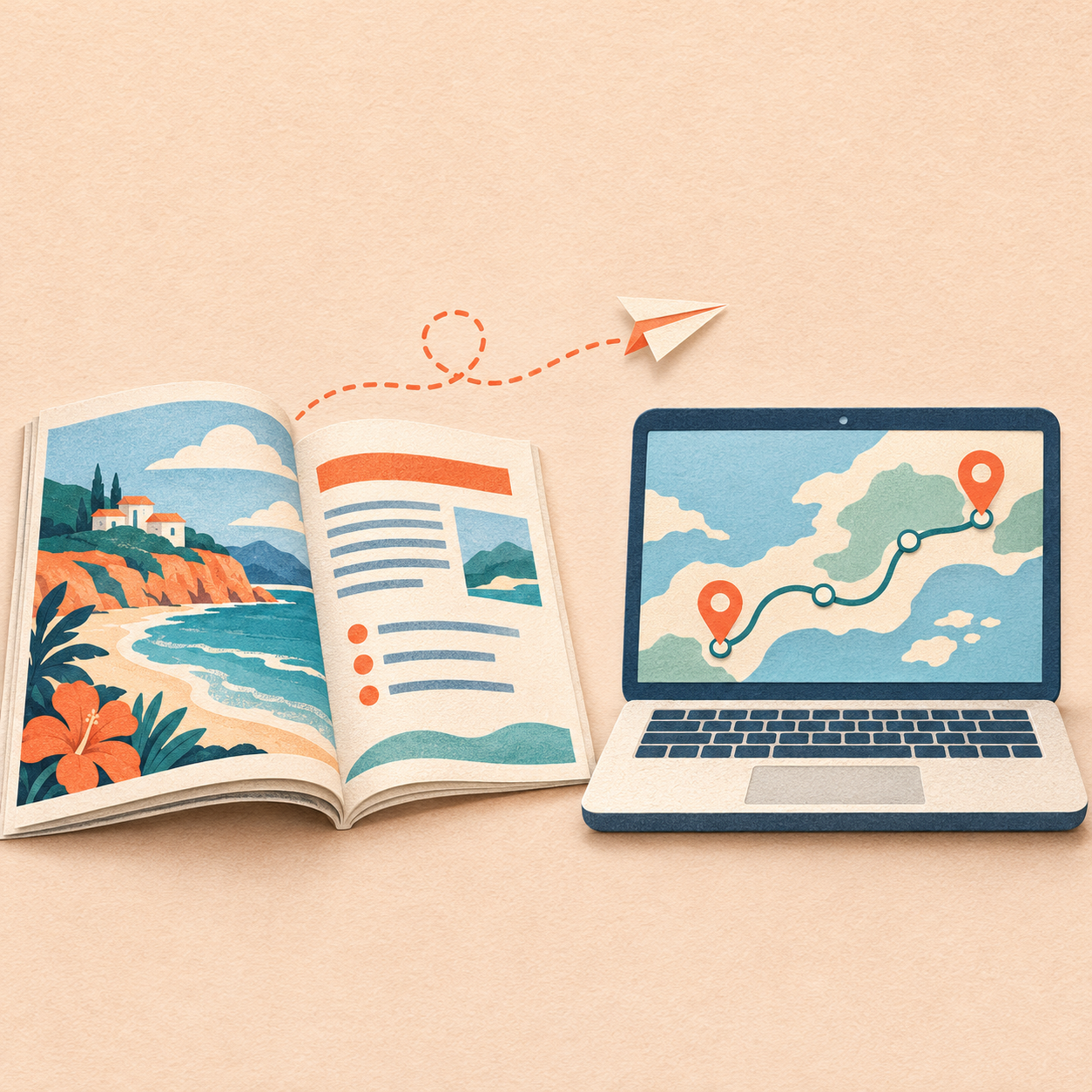
A reader arrives at a guide with a question. Answer it on the page. If your business offers a tool that helps with the next step, link to the exact screen where the reader can take it. That is the approach behind a Free Birds Magazine guide that sends travelers to OnwardTravel’s route checker.
How Free Birds Magazine connects readers to OnwardTravel
Free Birds Magazine covers travel and remote work. OnwardTravel offers onward flight reservations and a tool for checking whether a route may require proof of onward travel. In its public Brand Log entry, BrandMochi records that it found the magazine domain for OnwardTravel, moved the site to Cloudflare and cleaned up the archive. Q32 LLC operates BrandMochi and OnwardTravel. The Brand Log entry describes promotional work for a fellow Q32 brand.
The Free Birds guide to flying one-way explains why someone may be asked to show plans to leave a destination. Its link to the OnwardTravel route checker lets readers apply that question to their own trip. The checker accepts a departure country and destination, with an option to select an airline. The same guide also links to more reading for travelers who want it.
Match one reader question to one destination
Start with an existing article and write down the question a reader brings to it. Then open the product and find the screen where they could act on the answer. If the destination takes a login, asks for payment or requires details a reader may need to look up, explain that before the link.
For example, a bike shop could publish a guide to identifying a worn chain. Give readers the inspection steps, then link to the repair booking page where they can select a drivetrain service. A software company could publish a stocktake checklist and link to its downloadable count sheet. A repair booking and a spreadsheet download work best with different link text because they ask the reader to do different things.
Place the link next to the passage that makes the next step relevant. Write a label that still describes the destination when read by itself, such as “Download the stocktake count sheet.” Use a regular HTML link with a destination URL, so people can open it directly and search crawlers can follow it. Google’s guidance on crawlable links and descriptive labels.
Preserve the archive if hosting changes
Before moving an established resource site, export its public URLs from the CMS or sitemap. Make a short list of the articles readers visit, pages other sites link to and files those pages depend on. Test those URLs on the new host, including older pages whose images or downloads may use a different path from the current site.
When the addresses stay the same, check that the new host serves those pages and that any temporary access or indexing restrictions used during staging are removed at launch. When an address changes permanently, give its old URL a direct permanent redirect to the closest equivalent page. Update internal links and the sitemap to use the final URLs. Google’s hosting migration guidance and checklist for URL changes.
Test the handoff as a first-time reader
| Open | Check |
|---|---|
| The original article URL | The expected guide loads, including any images or files needed to use it. |
| The relevant section on a phone | The article answers the question and the link sits beside the step it supports. |
| The linked tool in a signed-out session | The first screen matches the link label and explains what the reader needs to begin. |
| The first action on the destination | A colleague can start the task without asking you where to go next. |
If you link between sites with shared ownership or a commercial relationship, make that relationship clear to the reader. Keep each site’s role visible in the copy. In the travel example, the magazine explains the general question, while OnwardTravel provides the route-specific tool and offers a reservation service.
Record the handoff and give it an owner
Keep a short note with the article URL, the destination URL, the link text, the last test date and the person responsible for checking it after either site changes. If you track clicks, record them separately from completed actions such as a submitted route check. A click measures the move between pages. It takes evidence from the destination to count a completed action.
Start with one article people already use. Put its next step where the reader needs it, then ask someone on a phone to follow the link and start the task. Their first stuck moment gives you a specific fix for the article, the link or the landing screen.